> ## Documentation Index
> Fetch the complete documentation index at: https://docs.testgenai.com/llms.txt
> Use this file to discover all available pages before exploring further.
# Timeline
> The Timeline feature helps you track the entire history of updates and changes made to test cases and checklist for any feature in TestGenAI.
## 1. How to Access the Timeline
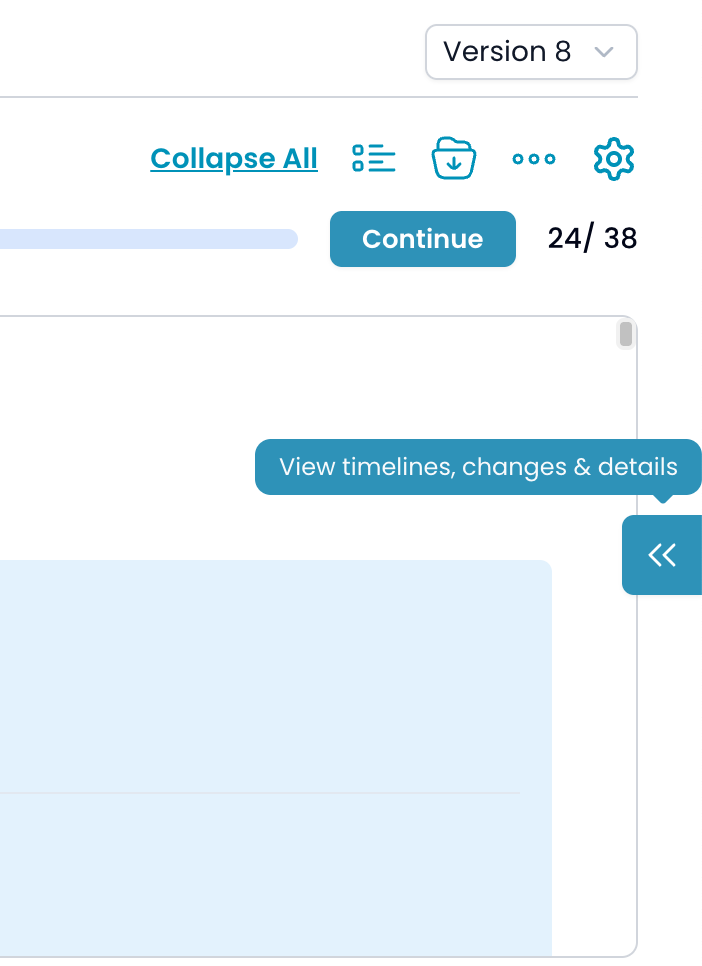
1. On the feature details page, click the **Expand Sidebar** icon (`<<`) on the right side of the screen.
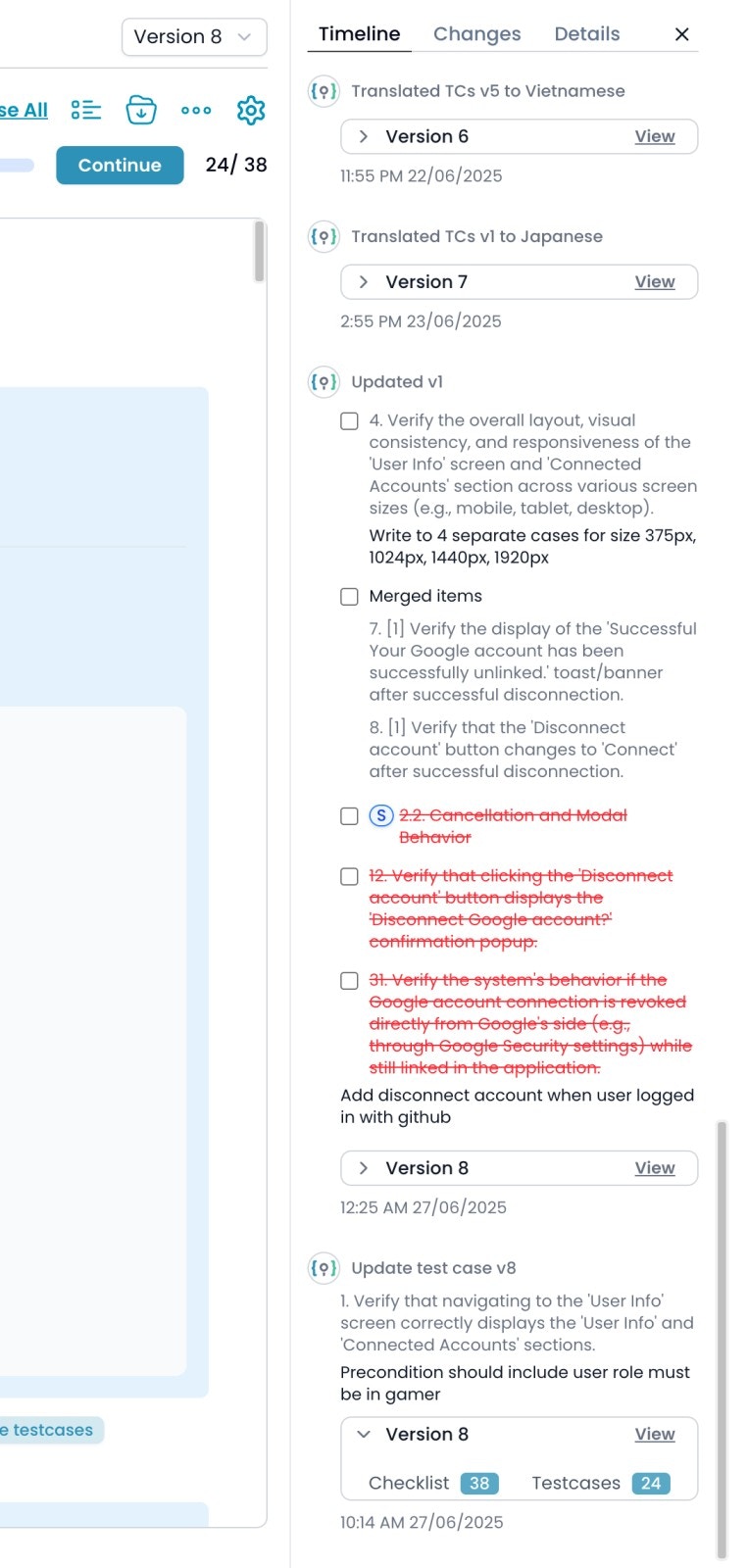
 2. In the sidebar, select the **Timeline** tab.
 ## 2. What the Timeline Shows
The Timeline displays a chronological list of all key actions and changes related to the feature, including:
* **Feature creation and initial checklist generation**\
When a new feature is created and its first batch of checklist is generated.
* **Generate Checklist**
When user requests to generate Checklist
* **Update with changes requests**\
All user requests to adjust, add, remove, merge, or split checklist via the "Update with changes" workflow.
* **Test cases generation**\
Each time test cases are generated (all at once, by category/sub-category, or individually).
* **Continue generating test cases**\
Events when you use the "Continue" button to finish generating pending test cases after an update.
* **Update test case requests**\
Any time you submit a request to update an individual test case.
* **Rebuild Checklist**\
When the checklist structure is rebuilt, usually after a major requirement or structural change.
* **Clone checklist**\
Actions where you duplicate checklist for reuse or modification.
* **Translate test cases**\
When you translate test cases into different languages, including which language and which version.
Each entry in the timeline includes a timestamp, a summary of the action, and often a “View” link to see the version as it was at that point.
***
## 2. What the Timeline Shows
The Timeline displays a chronological list of all key actions and changes related to the feature, including:
* **Feature creation and initial checklist generation**\
When a new feature is created and its first batch of checklist is generated.
* **Generate Checklist**
When user requests to generate Checklist
* **Update with changes requests**\
All user requests to adjust, add, remove, merge, or split checklist via the "Update with changes" workflow.
* **Test cases generation**\
Each time test cases are generated (all at once, by category/sub-category, or individually).
* **Continue generating test cases**\
Events when you use the "Continue" button to finish generating pending test cases after an update.
* **Update test case requests**\
Any time you submit a request to update an individual test case.
* **Rebuild Checklist**\
When the checklist structure is rebuilt, usually after a major requirement or structural change.
* **Clone checklist**\
Actions where you duplicate checklist for reuse or modification.
* **Translate test cases**\
When you translate test cases into different languages, including which language and which version.
Each entry in the timeline includes a timestamp, a summary of the action, and often a “View” link to see the version as it was at that point.
***